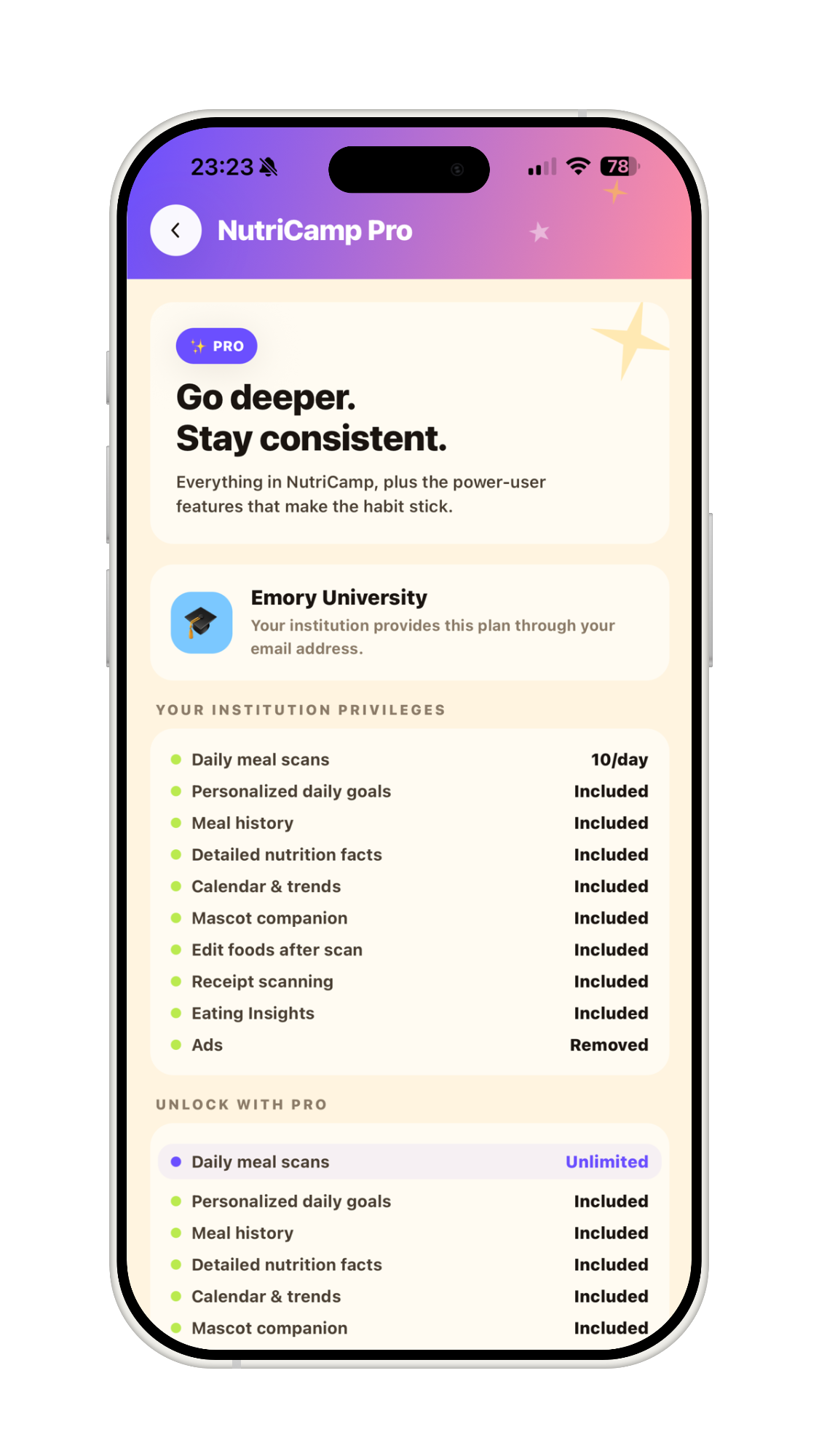



Emory University

Nutrition Made
Simple.

Scan your meals, track your macros and micros, and achieve your health goals effortlessly with NutriScan. The smart way to eat better.

NutriScan App Icon

See NutriScan in Action

From snapping your meal to tracking every nutrient — see how it all works.

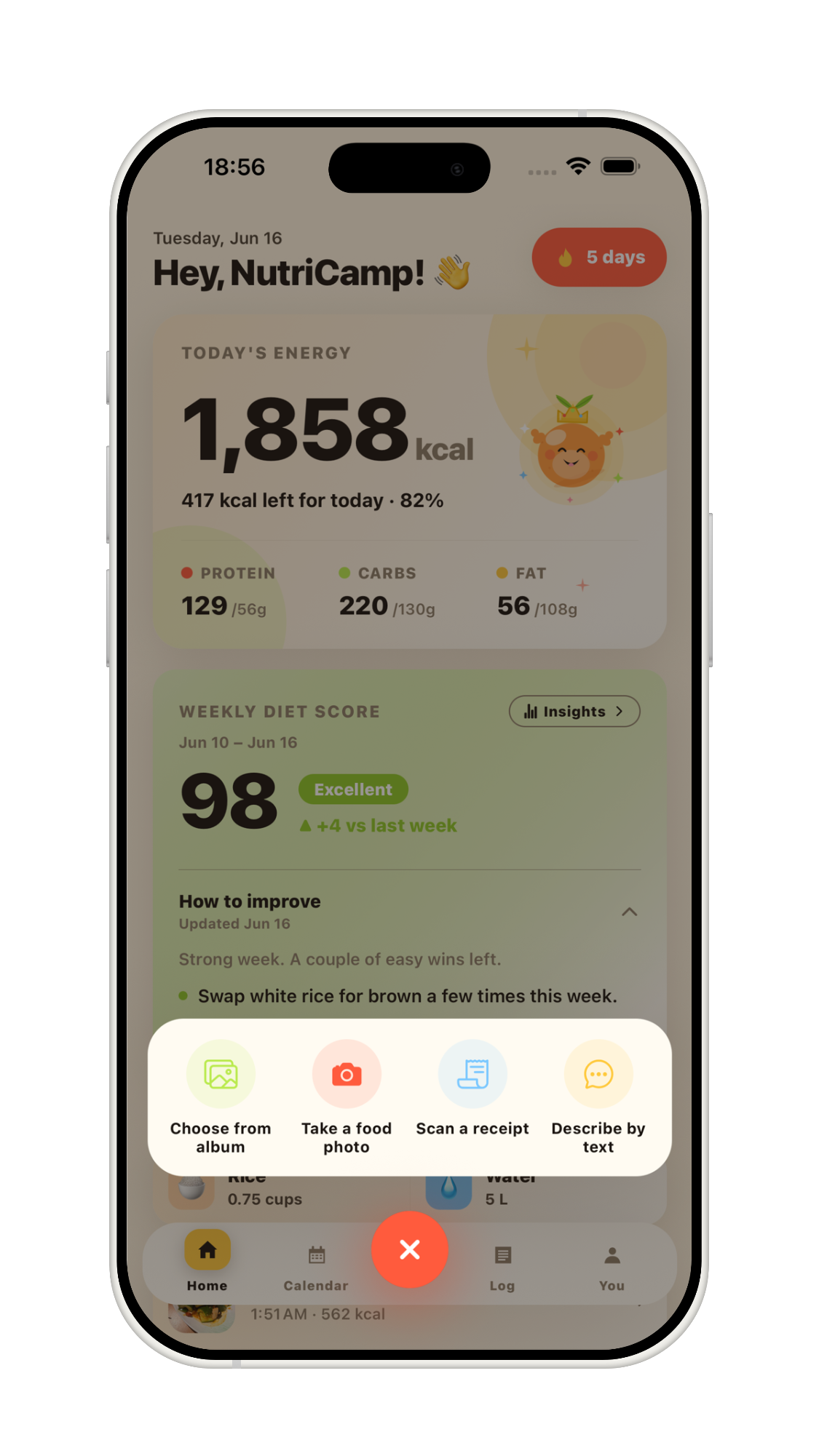
Snap Your Meal

Open NutriScan and tap the camera button to take a photo of any meal. The app instantly analyzes what's on your plate.

No manual searching or typing — just point, snap, and get your nutrition insights in seconds.

NutriScan home screen with Snap Your Meal prompt

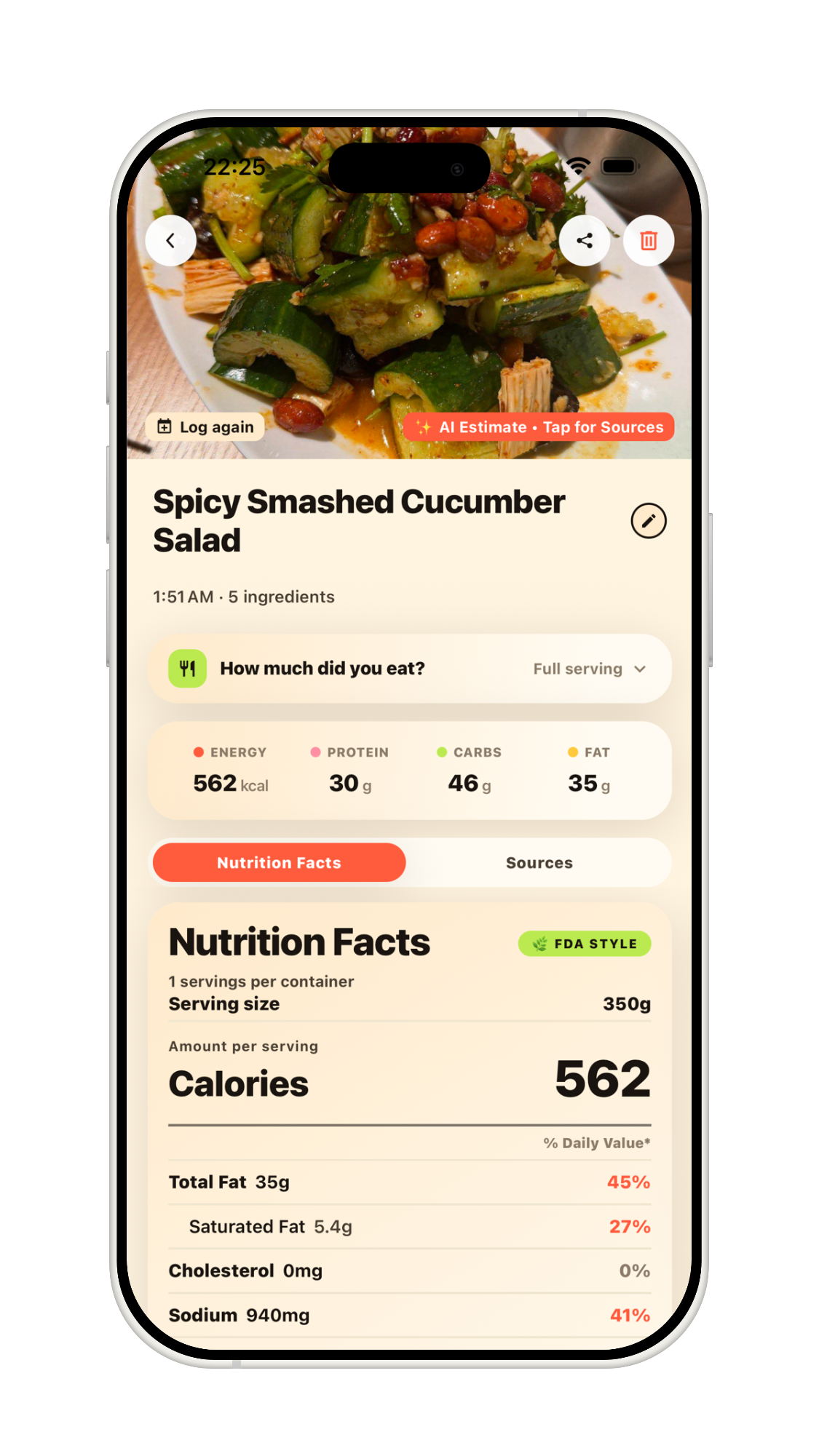
Instant Scan Results

NutriScan identifies your meal and shows calories, protein, fat, and carbs at a glance right below the photo.

Adjust servings with a tap, and scroll down for the full Nutrition Facts — all from a single snap.

NutriScan scan results for Pineapple Fried Rice

Full Nutrition Facts

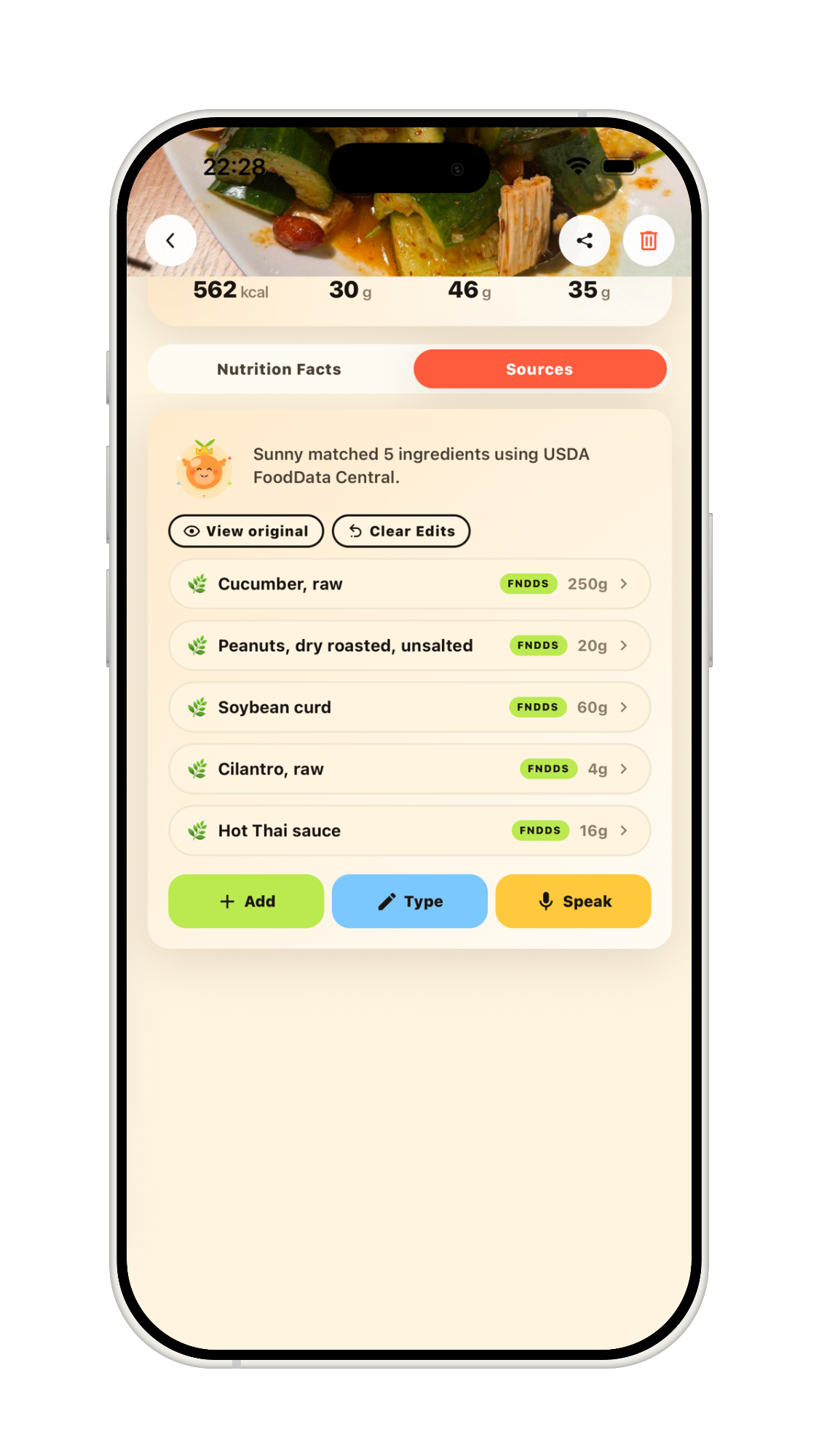
Get a complete Nutrition Facts label for your meal — from calories and macros to vitamins and minerals.

Values are clearly flagged as AI estimates with tap-through sources, so you always know where the numbers come from.

AI-generated Nutrition Facts label in NutriScan

Detailed Nutrient Breakdown

Tap "View full nutrient list" to see every nutrient in your meal — energy, water, fatty acids, fiber, and more.

Sort by name or amount and tap for AI sources, giving you the deepest level of nutritional detail.

Full Nutrition List showing detailed nutrients in NutriScan

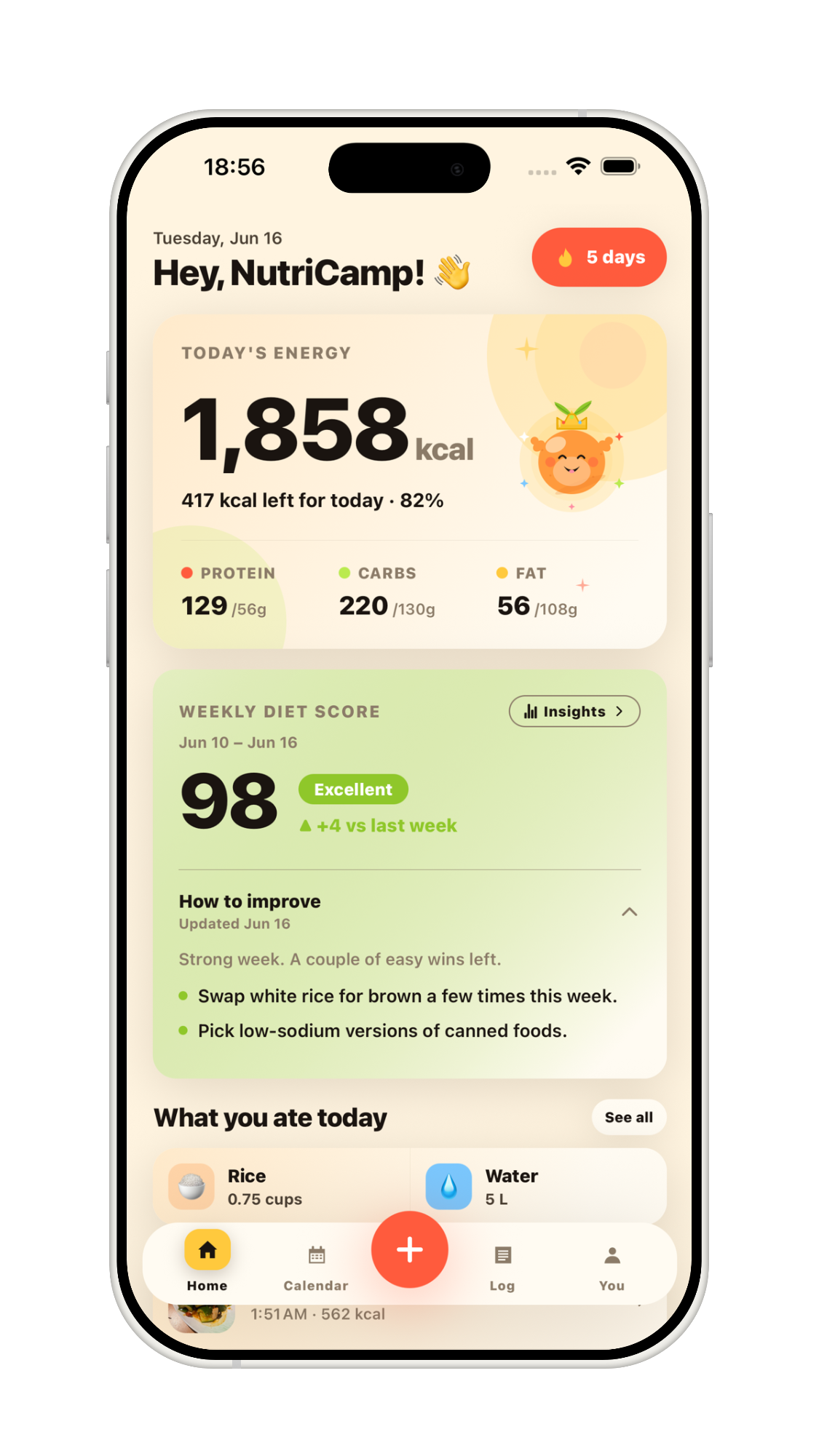
Your Daily Dashboard

See your daily calories, Health Score, and macro progress bars all in one clean view.

Instantly know how your day is tracking against your goals and jump to the full nutrient list for more detail.

NutriScan Daily Dashboard showing calories, health score, and macros

Monthly Calendar View

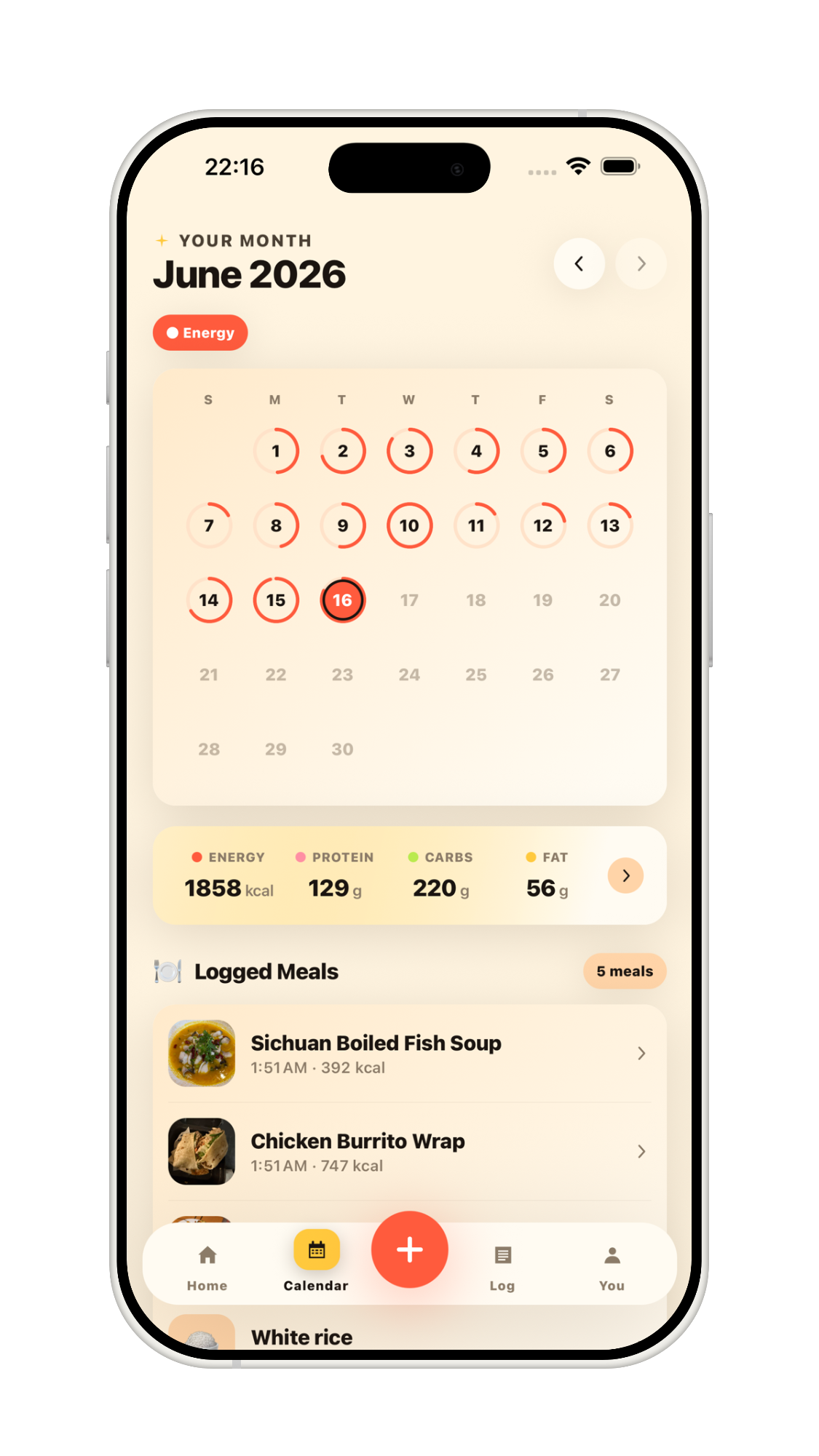
Review your month at a glance with color-coded rings for Energy and Health Score on every day.

Tap any date to see that day's Health Score, calorie total, and full macro breakdown.

NutriScan monthly calendar with health score rings

Daily Meal Log

Scroll down on any calendar day to see every meal you logged — complete with photos and timestamps.

Get a full picture of what you ate alongside your macro totals for the day.

NutriScan daily logged meals with macro breakdown

Meal History & Search

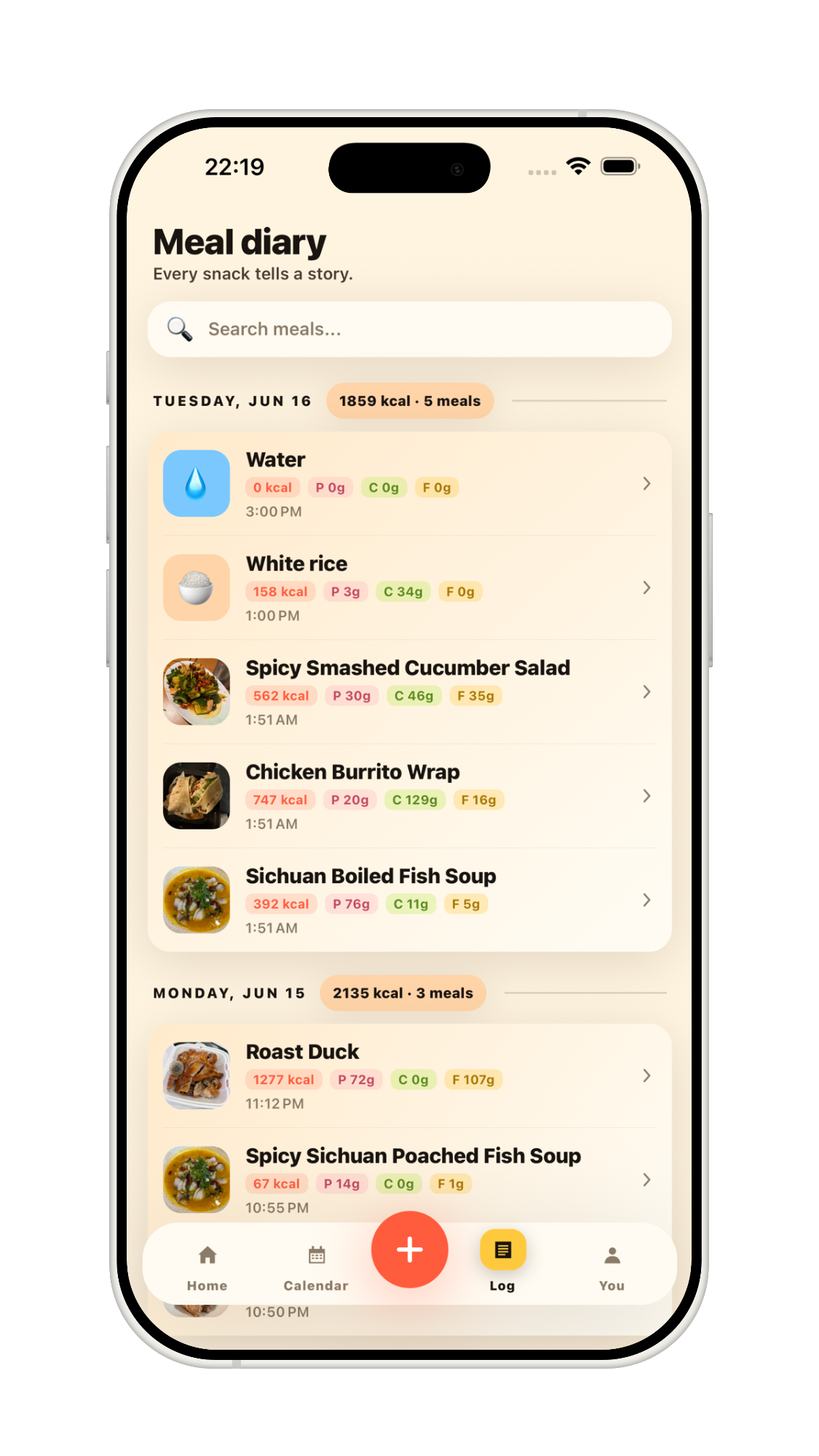
Browse all your past meals organized by day, or use the search bar to find a specific dish instantly.

Tap any entry to revisit its full nutrition details — your entire food journal, always at your fingertips.

NutriScan meal history with search

Home Screen Widget

Track your daily calories, protein, carbs, and fat at a glance — right from your home screen.

The NutriScan widget keeps your macro progress visible without even opening the app.

NutriScan iOS home screen widget showing macro progress rings

Why NutriScan?

Instant Scanning

Point your camera at any food item or barcode for instant nutritional breakdown.

Macro & Micro Tracking

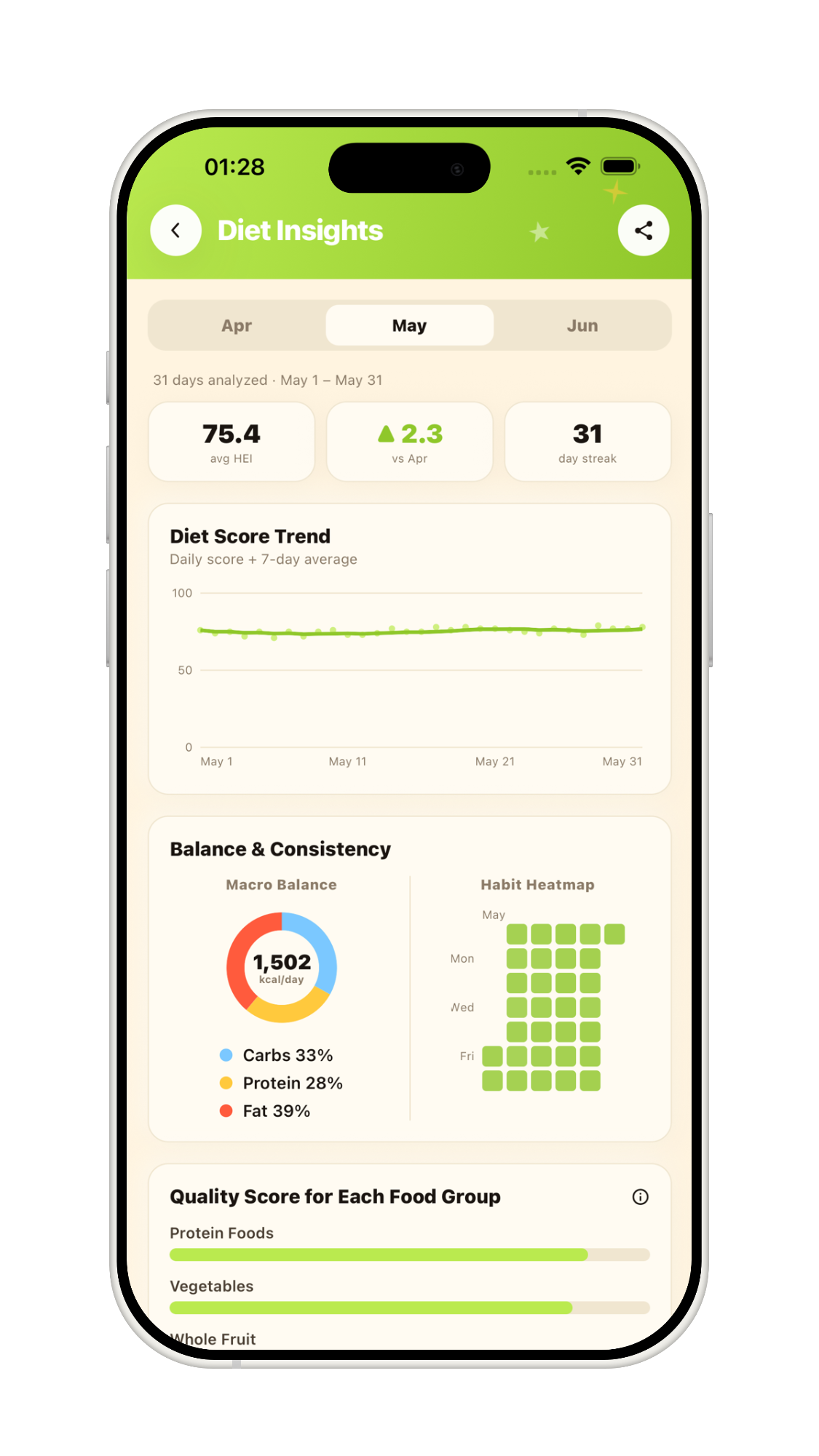
Visualize your daily protein, carbs, fats, vitamins, and minerals with intuitive charts.

Health Insights

Get personalized recommendations based on your dietary goals.

Contact & Support

We are dedicated to improving your health journey. If you are experiencing issues with NutriScan or have suggestions for new features, please reach out to our team.